Fix Slack notifications in Safari
Somehow, Slack in Safari never notified me within a particular workspace/profile.
The Slack troubleshooting guide suggested to check that Safari’s
preferences allowed notifications from the Slack website. But I never got the
prompt to allow that in the first place: app.slack.com was missing from the
settings, both in Safari and in macOS’ notification center.
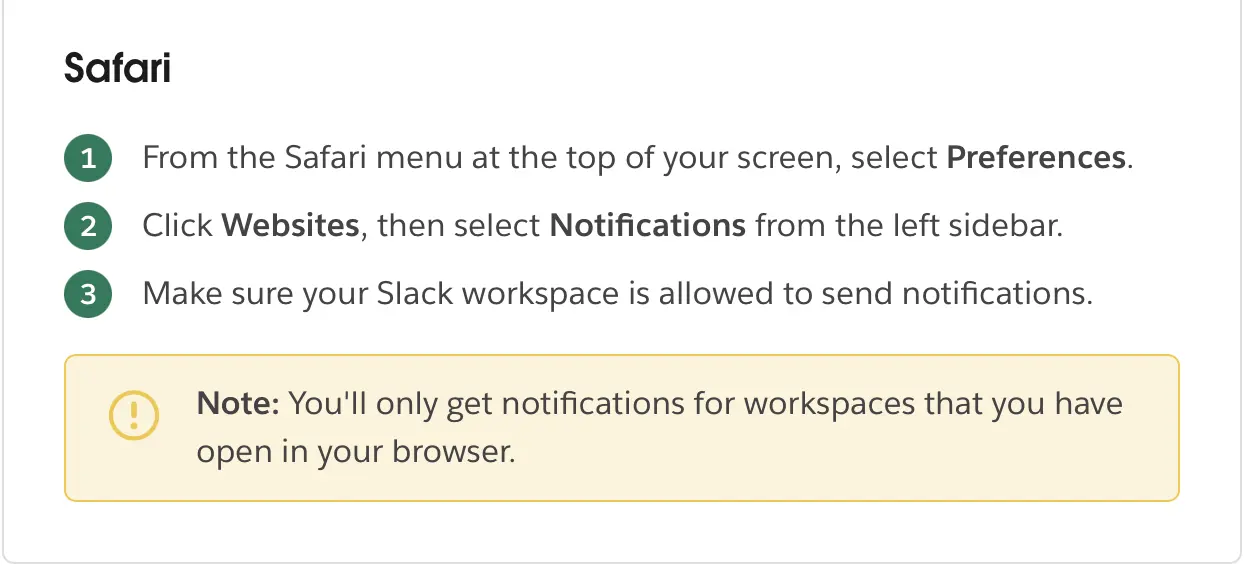 Slack’s troubleshooting guide for Safari.
To fix it, I manually requested the permission to show notifications from the developer console of Slack’s tab:
Notification.requestPermission().then(permission => {
  if (permission === 'granted') {
    new Notification('Hello!', {
      body: 'This is a notification from Safari',
      icon: '/path/to/icon.png'
    });
  }
});
After that, notifications started to work.